Billing
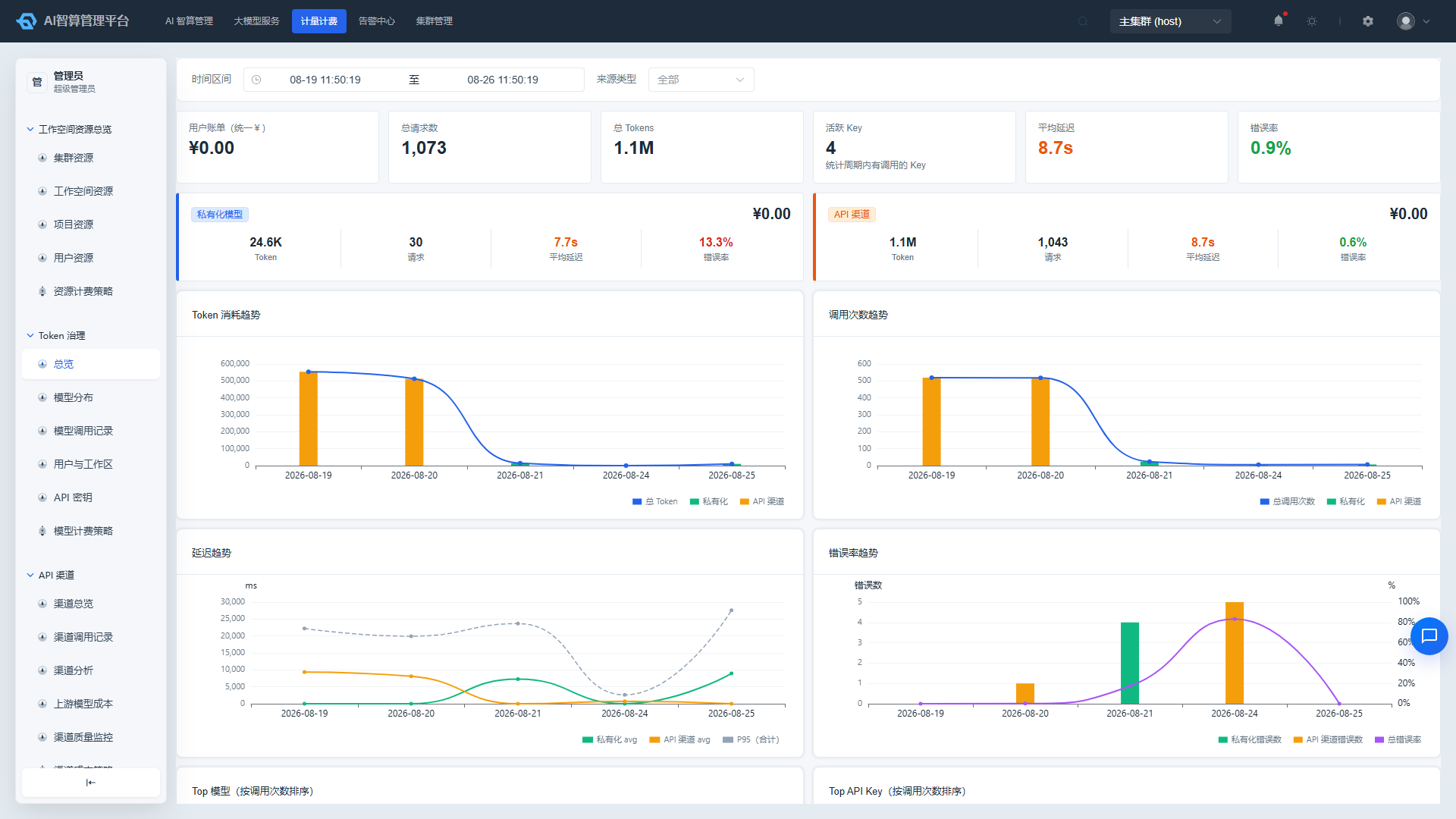
The Rise AI Compute Platform provides three billing dimensions, corresponding to GPU physical resources, large model Token calls, and external API channel costs. Different roles care about different billing perspectives; this article briefly explains the applicable scenarios and access points for each dimension.
1. Physical Resource Billing
Calculated based on the actual CPU, memory, GPU compute, and VRAM usage duration consumed by workspaces/projects/users.
- Access point:
Metering & Billing > Tenant Resource Overview,Physical Resource Overview - Billing units: CPU·hour, memory·GiB·hour, GPU compute (TFLOPS)·hour, VRAM (GiB)·hour
- Configuration:
Resource Billing Policy/Physical Resource Billing Policy
2. Token Billing (User-Payable Perspective)
Records the Token call costs payable by users when the platform provides services externally.
- Access point:
Metering & Billing > Token Governance - Key pages: Overview, Model Call Records, User/Workspace Rankings, API Keys, Model Billing Policy
- Billing tiers: prompt / completion / cached / cache_write_5m / cache_write_1h, with 5-tier + wildcard price priority
3. API Channel Costs (Platform-Cost Perspective)
Records the actual procurement costs of external API channels (OpenAI/Anthropic/Zhipu, etc.) for channel reconciliation.
- Access point:
Metering & Billing > API Channel - Key pages: Channel Overview, Channel Call Records, Channel Analytics, Upstream Model Costs, Channel Quality Monitoring, Channel Cost Policy
- Mandatory filter: Channel-perspective call records default to showing only
source_type=customcalls
4. Billing Priority (Token Governance)
The platform matches the applicable unit price for a call using the following priority:
1. provider + workspace + model       (most specific)
2. provider + workspace + "*"
3. provider + model
4. provider + "*"
5. workspace + model
6. system + model
7. base fallback
* is a wildcard, usable for setting channel base prices or tenant base prices.
5. Overdue Balances and Expiration
- When a workspace quota or balance is insufficient, creating a task will display an insufficient quota notification.
- Admins can view per-workspace cost trends under
Metering & Billing > Tenant Resource Overviewto plan capacity expansion or budgets in advance. - Specific unsubscription/overdue policies are configured by the platform administrator in global parameters.